On iPhone
 Coming soon
Open the app in Safari. Tap Share, then Add to Home Screen.
Ringtone setup on iPhone → pocket composer
Pick up a Nokia keypad again. Make something familiar, something silly, or something entirely your own.
Coming soon
No sign-up. Just you, a keypad and a tune.
Go on. Press play.
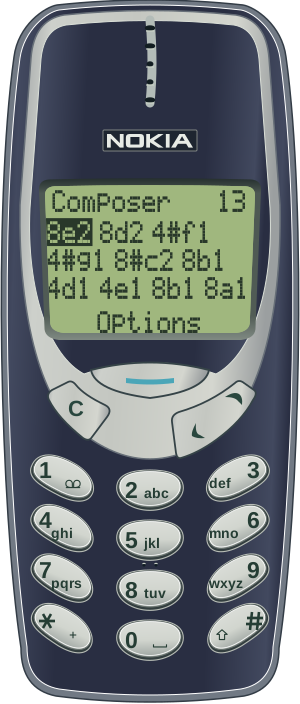
One number at a time, just like you remember. Tap 1–7 for notes, or find a familiar melody in Discover to start with.
Too fast? Wrong note? Tweak the tempo, try another sound, or move notes in the piano roll. Save the good ones in My tunes.
Export your tune as an MP3 and set it up as a ringtone. Or send a friend a little handset video, sound and all.
The chunky 3210. The trusty 3310. The blue glow of the 8250. Pick the one you remember, then find a cover to match.
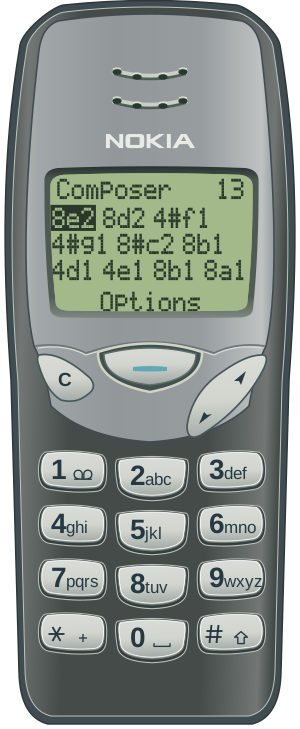
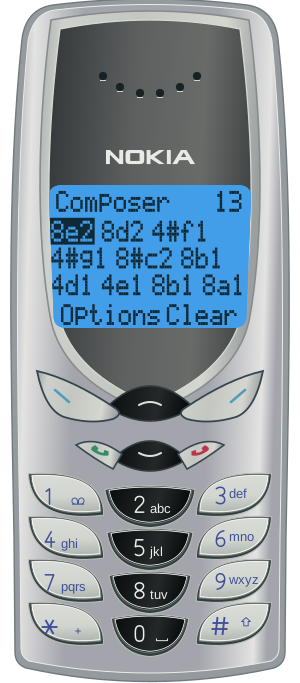
Recreated from the originals, with sound inspired by the old phones.
Open it in your browser, or add it to your Home Screen. Once the first download finishes, you can keep composing offline.
Open the app
Coming soon
Open the app in Safari. Tap Share, then Add to Home Screen.
Ringtone setup on iPhone →Use your browser’s install option, or open Help in the app and choose Add to Home Screen where supported.
Your draft, saved tunes and preferences live on this device. No cloud account or automatic sync.
How your data is handled →